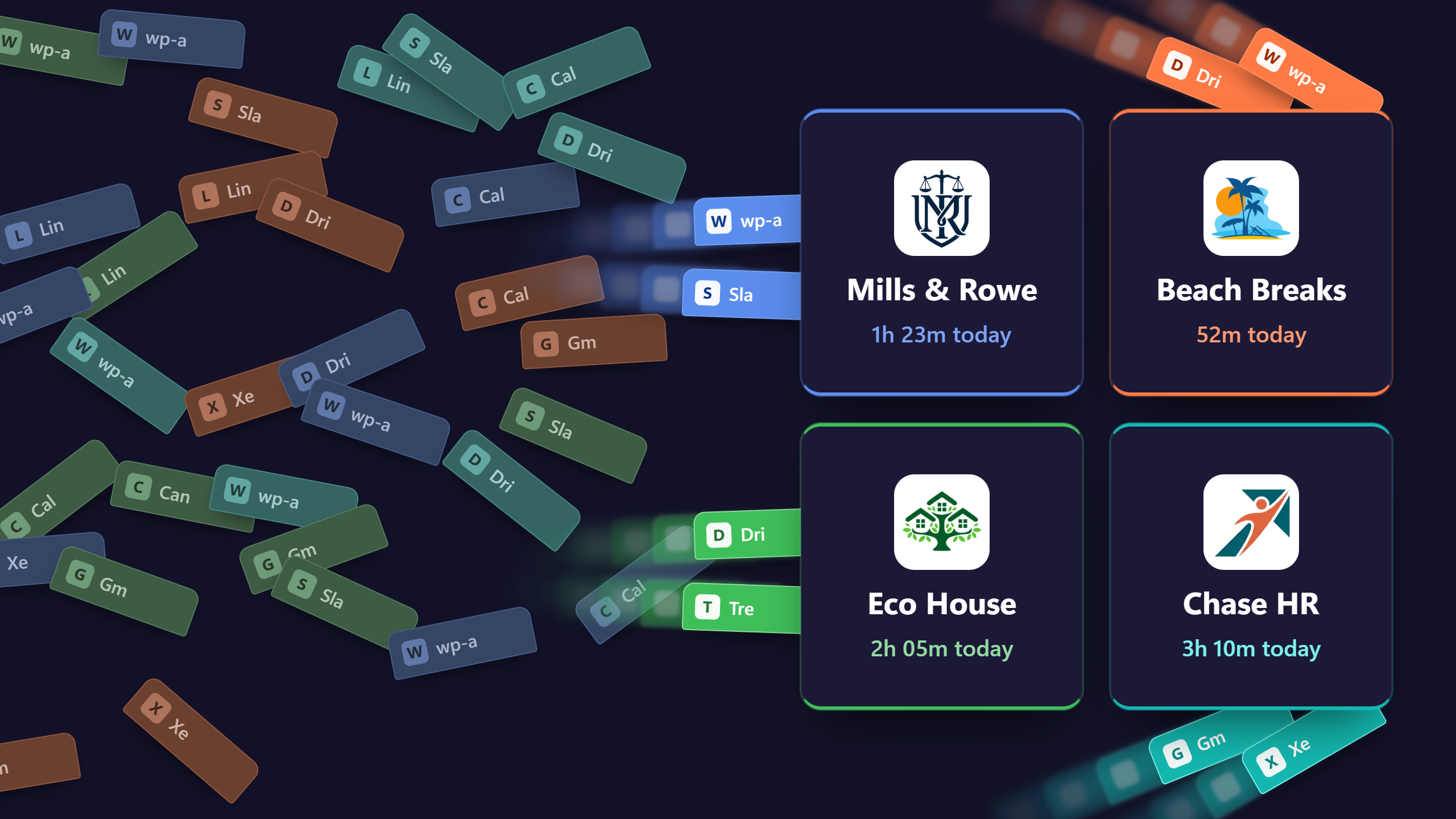
Forty-seven tabs is not a filing system.
Kirmada is a browser for people who work for more than one client. Each client gets their own Workspace, with their own tabs, logins and files. Open it and you're in their world, everything ready for work, with automatic timesheets, file manager, projects, CRM, calendars, and chat.
No credit card required
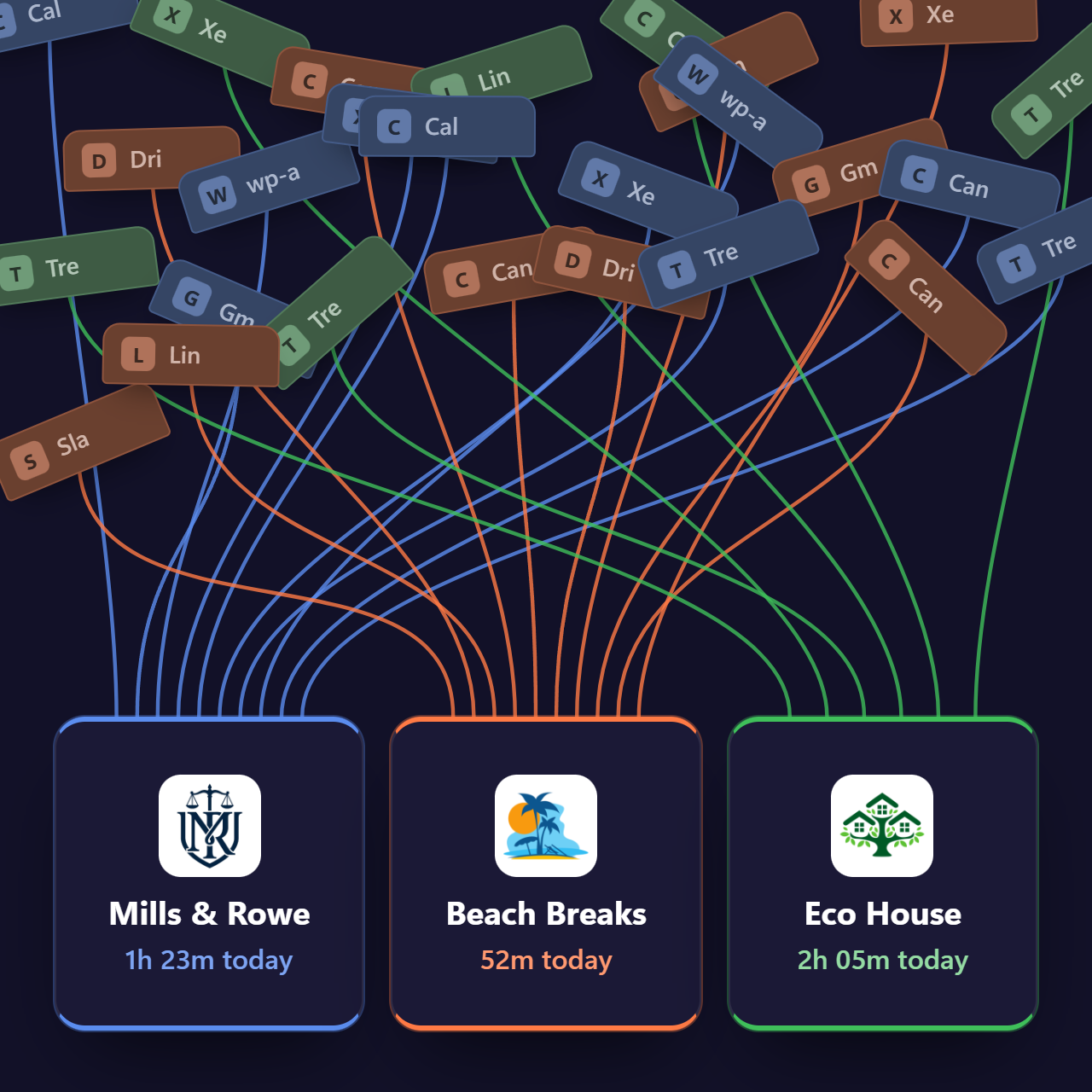
Sound familiar?
You're logged into the wrong account again. Where's that site you left open last Tuesday? Those tabs that have been open for months - but you don't know why. And all that time you forgot to invoice last month..
- Logged into the wrong client's Gmail... again.
- That amazing site from last Tuesday? Where. Is. It?
- An afternoon's work that never made it onto an invoice.
Your browser has no idea which client you're working for. Kirmada does.
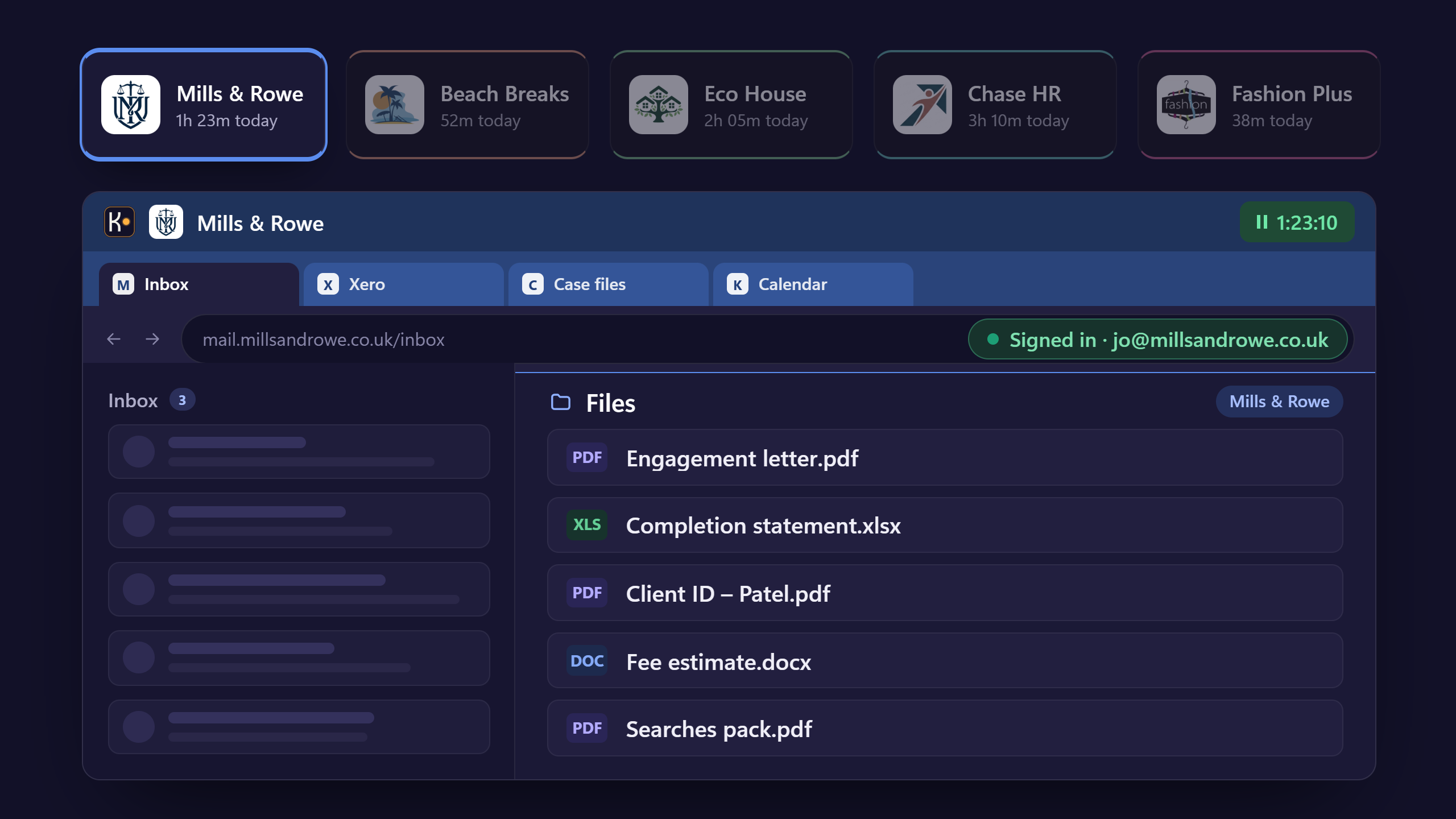
One Workspace per client. Their tabs, their logins, their bookmarks and their files, kept apart from everyone else's. Switch clients in two clicks.
Logins that stay put
Sign into each client's Canva, Gmail or Xero once. It's still there tomorrow, and it client logins never get mixed up.
Tabs that wait
Close a Workspace mid-task and its tabs are exactly where you left them when you come back.
Files where they belong
Documents are stored right there in the Workspace, encrypted. Not lost in a messy folder structure somewhere else.
You did the hours. But your invoice didn't.
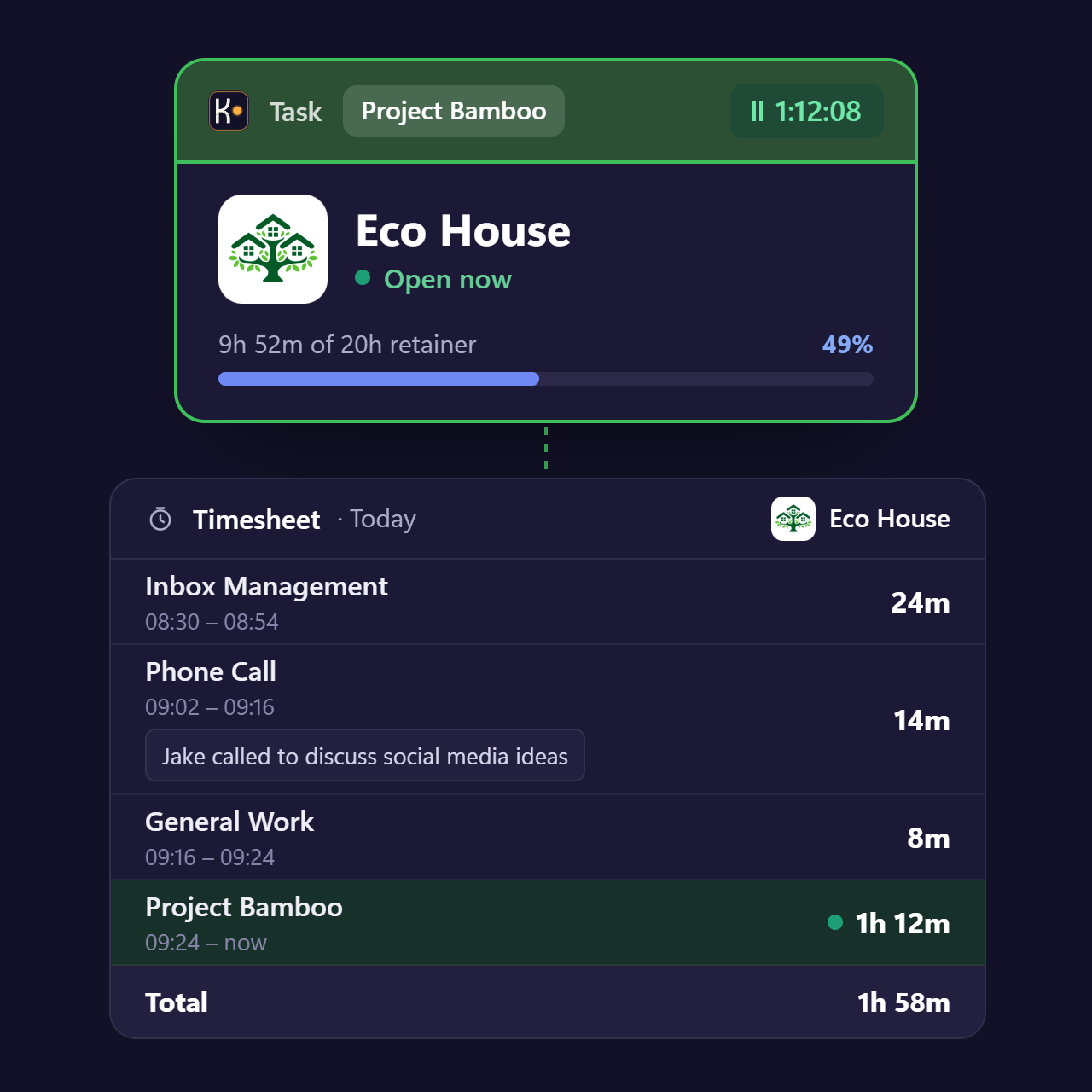
Open a Workspace and the clock starts, and stops when you close it. All automatic, your timesheets have never been so accurate, or claimed back so much unbilled time.
Those two-minute jobs - a quick reply, a small tweak - add up. Mary P, a Virtual Assistant, found an extra 13 hours a month she was already working but not billing: £450 in her first month.
Couldn't you just do this with browser profiles? No.
A profile keeps your tabs apart. It doesn't track your time, file your docs, manage your projects, manage your contacts, do your appointment bookings, or raise your invoices for you.
| Browser profiles | Kirmada | |
|---|---|---|
| Keeps each client's tabs and logins apart | Yes | Yes |
| Create timesheets automatically | No | Yes |
| Store encrypted documents | No | Yes |
| Integrated Project Manager | No | Yes |
| Raise month-end invoices in a couple of clicks | No | Yes |
| Share work with team members | No | Yes |
| Simple small-business CRM | No | Yes |
| Instant chat with your Team | No | Yes |
| Work capacity planning | No | Yes |
Month-end in one click.
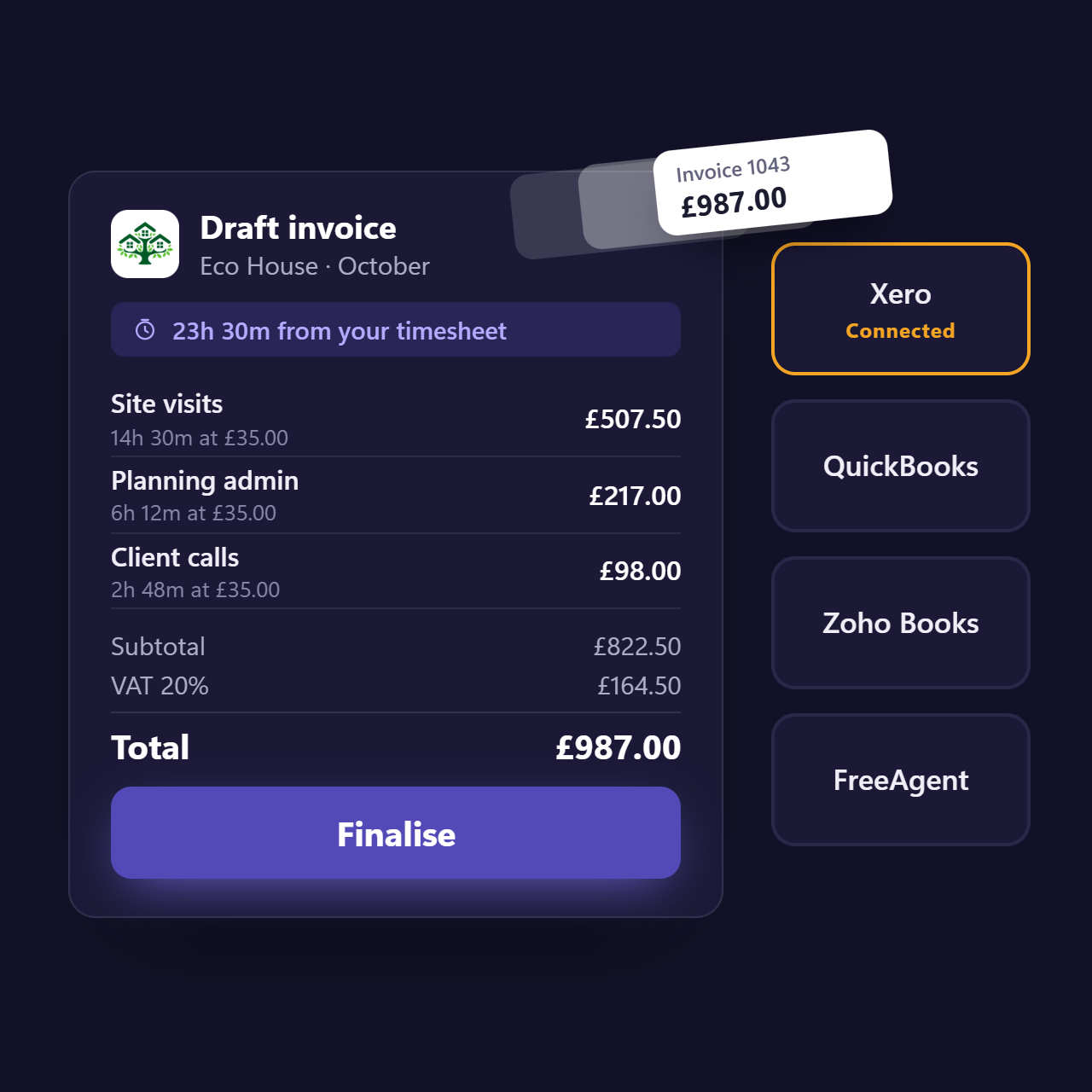
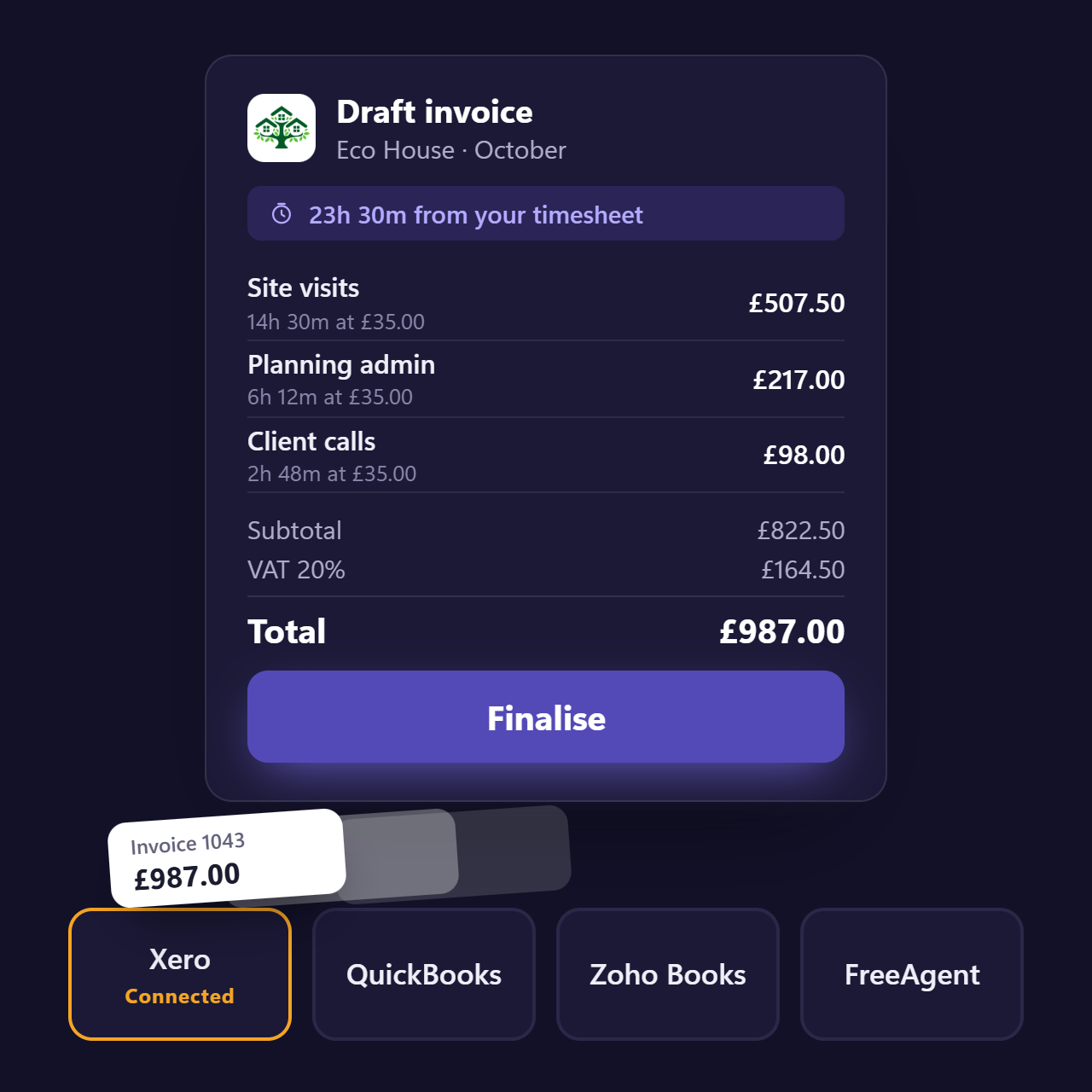
Every Workspace knows when you're working and the rates you charge. Raise the invoice and send it to Xero, QuickBooks, Zoho or FreeAgent.
No exporting timesheets, no re-keying hours, no chasing your own notes. Check it, send it, and your bookkeeping is already up to date.
From first enquiry to paid invoice, without setting anything up.
Embed a booking form in your website, emails or social posts and the booking fills your calendar, CRM and your sales funnel. A won deal creates its own Workspace. Each step sets up the next, out of the box.
- Booking
- CRM
- Won deal
- Workspace
- Timesheet
- Invoice
You can't share a Chrome Profile. Sharing a Kirmada Workspace just needs an email address.
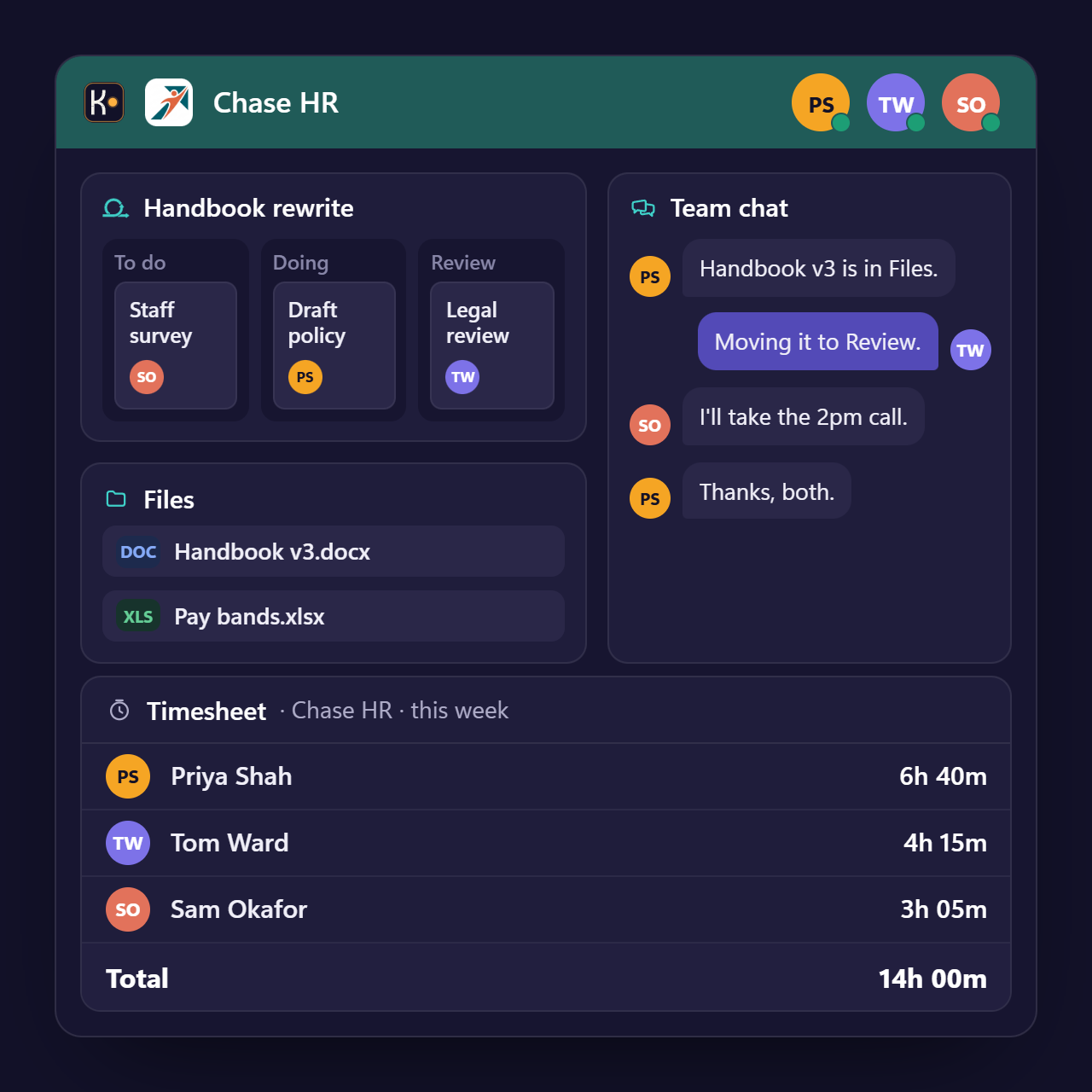
Share a client's Workspace with colleagues. Same files, same projects, same chat, and every person's hours on the same timesheet.
Altitude view shows the whole team at a glance: who's working on which client, and who has room for the next job. Seat discounts start at three people and reach 20% from 11 seats.
How much of your work goes unbilled every month?

£450
extra billed in her first month
"I found an extra 13 hours a month I was already working - but not billing."
Mary Pelling, Bedrock Business Support

"An absolute Godsend for my business!"

"Well, apart from making teamwork easier, improving our billing and being what our agency has always needed, what has Kirmada ever done for us!"

"Kirmada has completely changed my way of working! I am more productive and I love the ease of switching between client Workspaces. But most of all, the time tracker has been a game changer!"
Start free. No credit card required.
Start on Freemium and use up to three Workspaces for free, forever. Upgrade when you outgrow it - the first unbilled hour it catches pays for the month!
Freemium
£0/mo
Up to three Workspaces, automatic time tracking and invoicing. Free forever, no credit card required.
Pro
£24.95/mo + VAT
Unlimited Workspaces, accounting connections, team features and priority support. Try it free for 30 days in the app.
Frequently asked questions
How does automatic time tracking work?
Every client gets their own Workspace. When you're working in a client's Workspace, the timer for that client is running - there is nothing to start or stop, and nothing to fill in at the end of the week.
Is there a free version?
Yes. The Free plan costs nothing and needs no credit card. Pro is £24.95/month + VAT and comes with a 30-day free trial.
Does Kirmada work with Xero and FreeAgent?
Yes. Invoices you finalise in Kirmada can be pushed to your Xero or FreeAgent account, so your bookkeeping stays in step without re-keying anything.
Can my associates / employees see what I bill clients?
No. Associates see only the work assigned to them and the rate you pay them. Client rates, margins and invoices stay visible to you alone.
Does it work on Mac?
Yes. Kirmada is available for Mac as well as Windows 10 and 11 - download it from the downloads page.
Forty-seven tabs. Or one Workspace per client.
Download Kirmada and open your first Workspace in under two minutes.